Light Table Landing Page
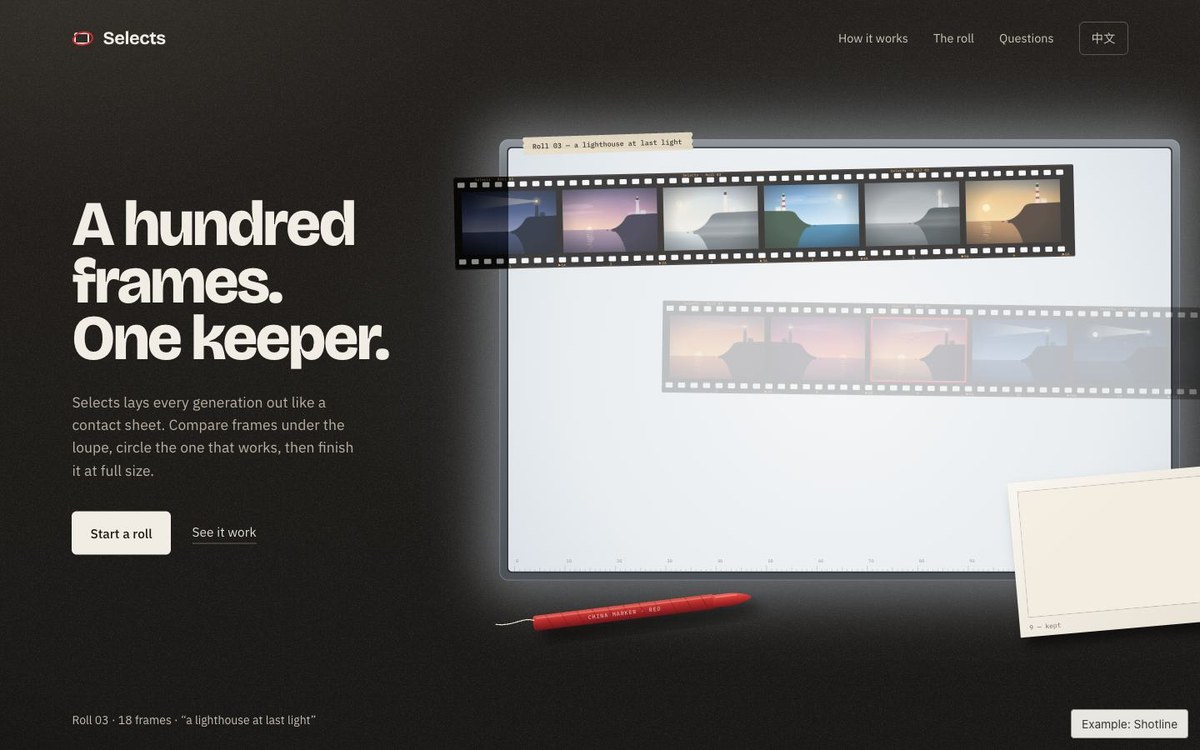
Lay out the takes. Keep the right one.
Available to try
The complete beta package supports your brand, content and action link. Formal quality acceptance is still in progress.
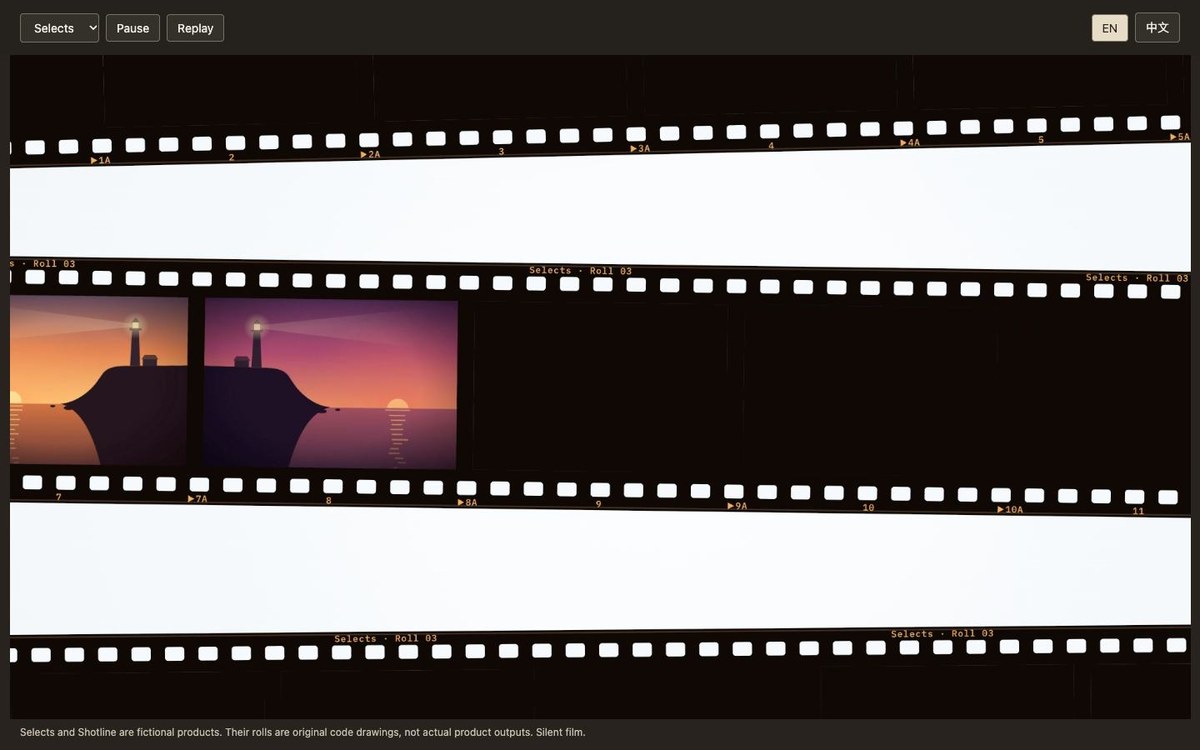
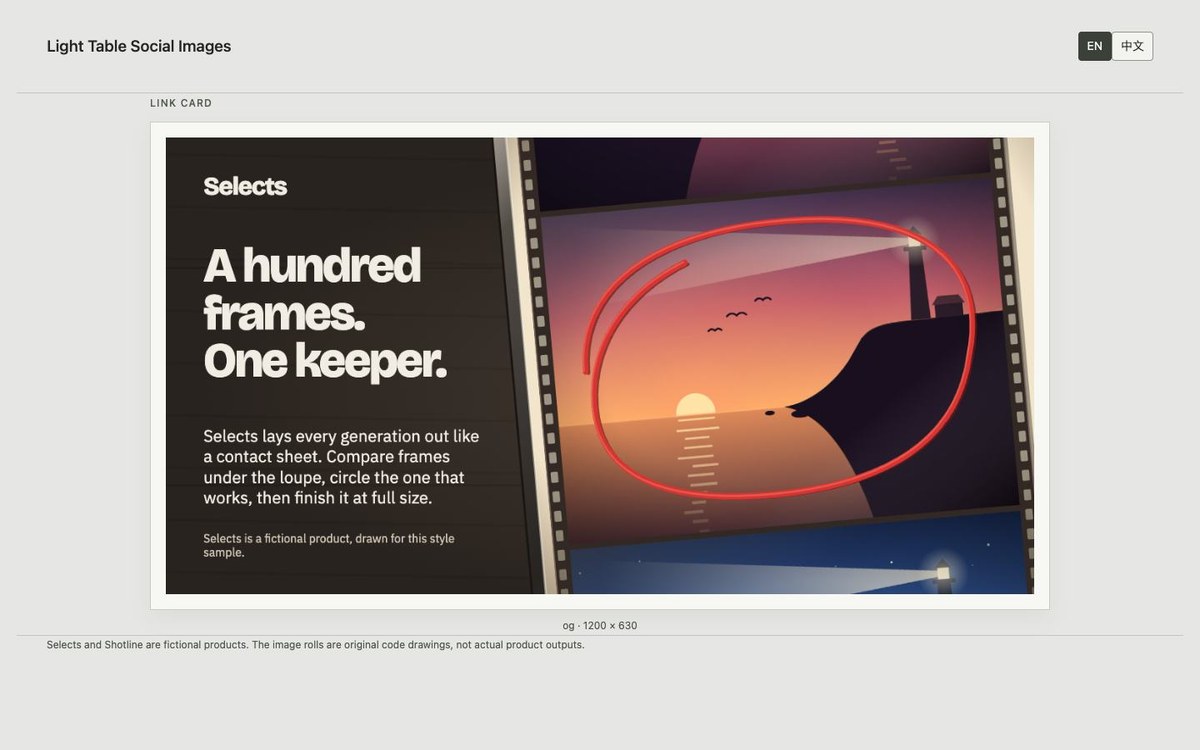
An offline launch page on a dark walnut desk: a glowing light table, strips of your own images, a loupe that follows the pointer and a red marker that circles your choice. Click a frame or press Enter to re-develop the print. The page continues through the process, evidence from the roll and a final invitation, with pricing or questions only when your content calls for them. Shares one content.json with the Light Table film and images.
- Preview format
- HTML · Offline
- Palette
- #29231f#f2ede4#cf2a2d
Extract the light-table-landing.zip I provide and read light-table-landing/SKILL.md. Install the complete folder in the current agent’s project-level Skill directory, preserving scripts, fonts/licences, references and original examples. Use my shared content.json and 12–24 real local PNG/JPG images with alt text and optional focal points. Run node scripts/build.mjs <content.json> <outdir>, then follow the Skill’s checks and delivery steps. Node 22+ and installed Chrome are required; the film also needs FFmpeg and invokes pinned [email protected] with external GSAP 3.15.0. Missing images must stay labelled placeholders. Never reuse the example roll for another brand, invent outputs or publish without my instruction. This is a beta.